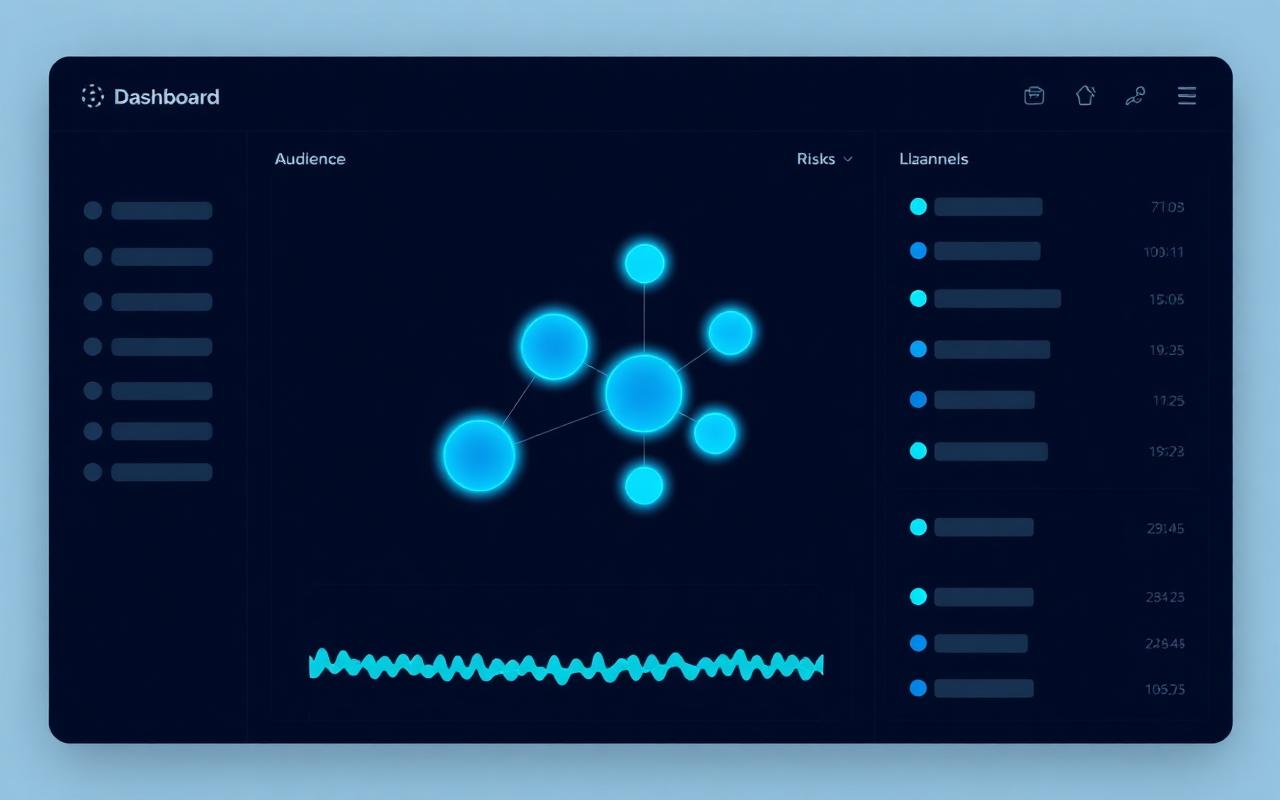
M-01 · Plan
Locked
Launch Blueprint
Audience, wedge, channels, risks — locked.
Launch readiness workspace
LaunchBase gives small teams one grounded place to prepare the plan, approve the kit, coordinate outreach, watch readiness, and learn from every signal after launch.
AI prepares the launch. Your team keeps the decision.
LaunchBase readiness workspace
Readiness 84%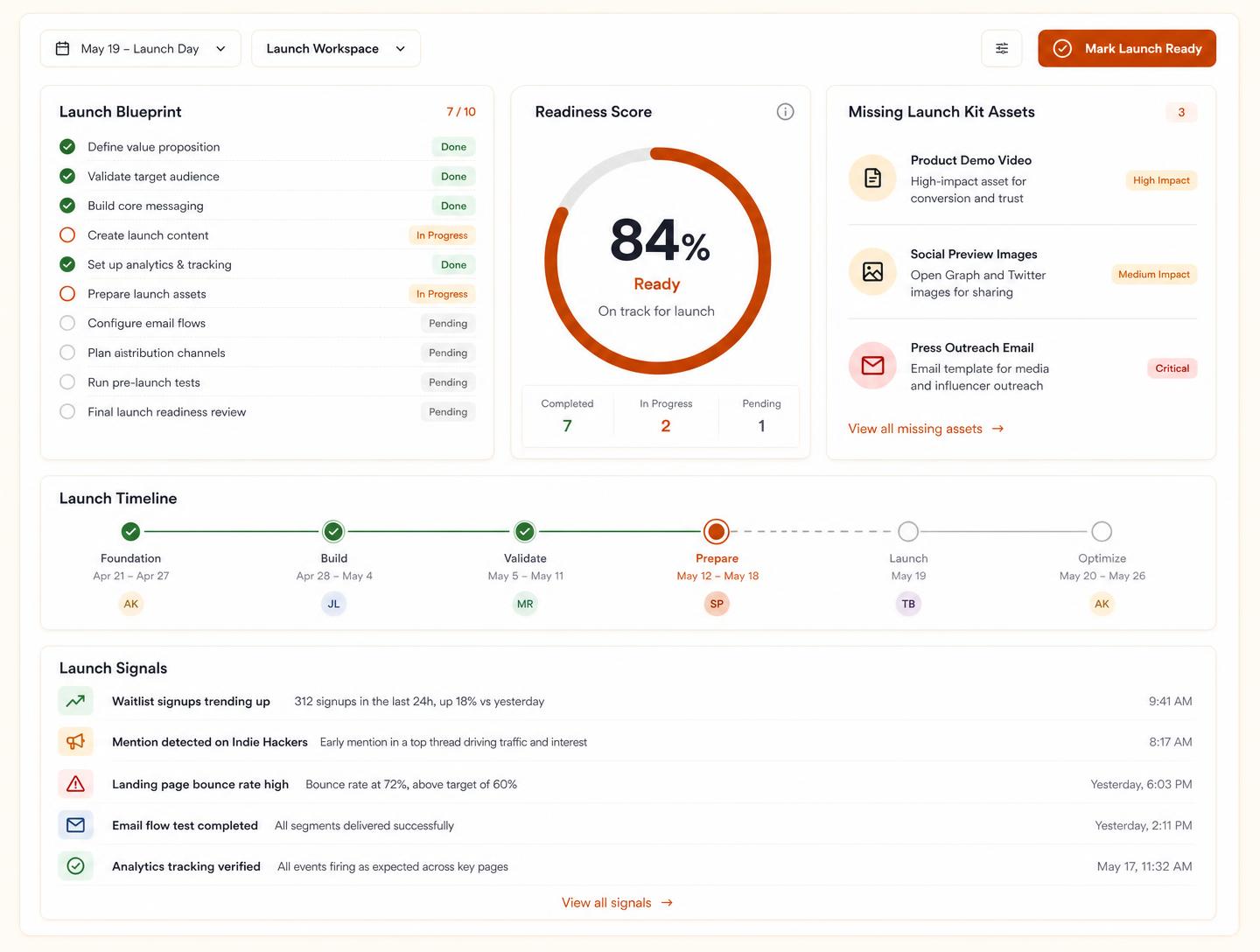
Launch stage rail
Stage 03 · Assets
Strategy
Messaging
Assets
Outreach
Timeline
Signals
Debrief
Strategy
Messaging
Assets
Outreach
Timeline
Signals
Debrief
One grounded base
Plan, copy, assets, outreach — in one place.
Know if you're actually ready
Project tools track tasks. LaunchBase shows whether the launch is actually ready.
AI prepares, team decides
AI prepares the launch. Your team keeps the decision.
Post-launch learning
Every signal becomes the next blueprint.
Why teams switch to LaunchBase
Speed
Skip the blank doc. Open a blueprint with the right structure, owners, and dates already in place.
Accuracy
Missing assets, unclear owners, unanswered replies, and unresolved risks surface before launch day — not after.
Cost savings
No more 11pm scrambles, duplicated work, or wasted team time when a launch slips into improvisation.
Stage 01 · Before & After
Before
Chaos · 7 toolsLaunchBase workspace
After
Workspace online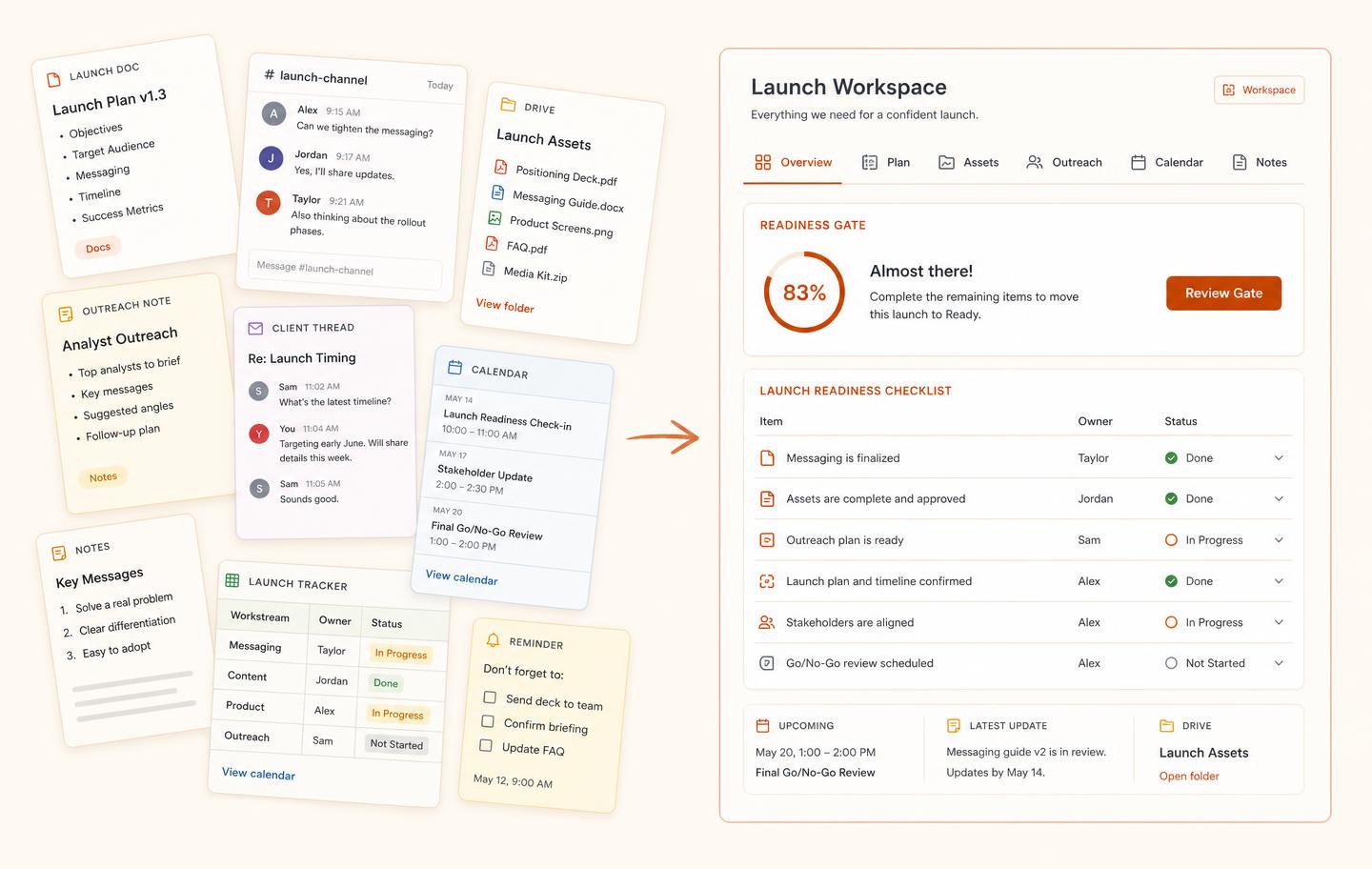
Stage 02 · Modules
Audience, wedge, channels, risks — locked.
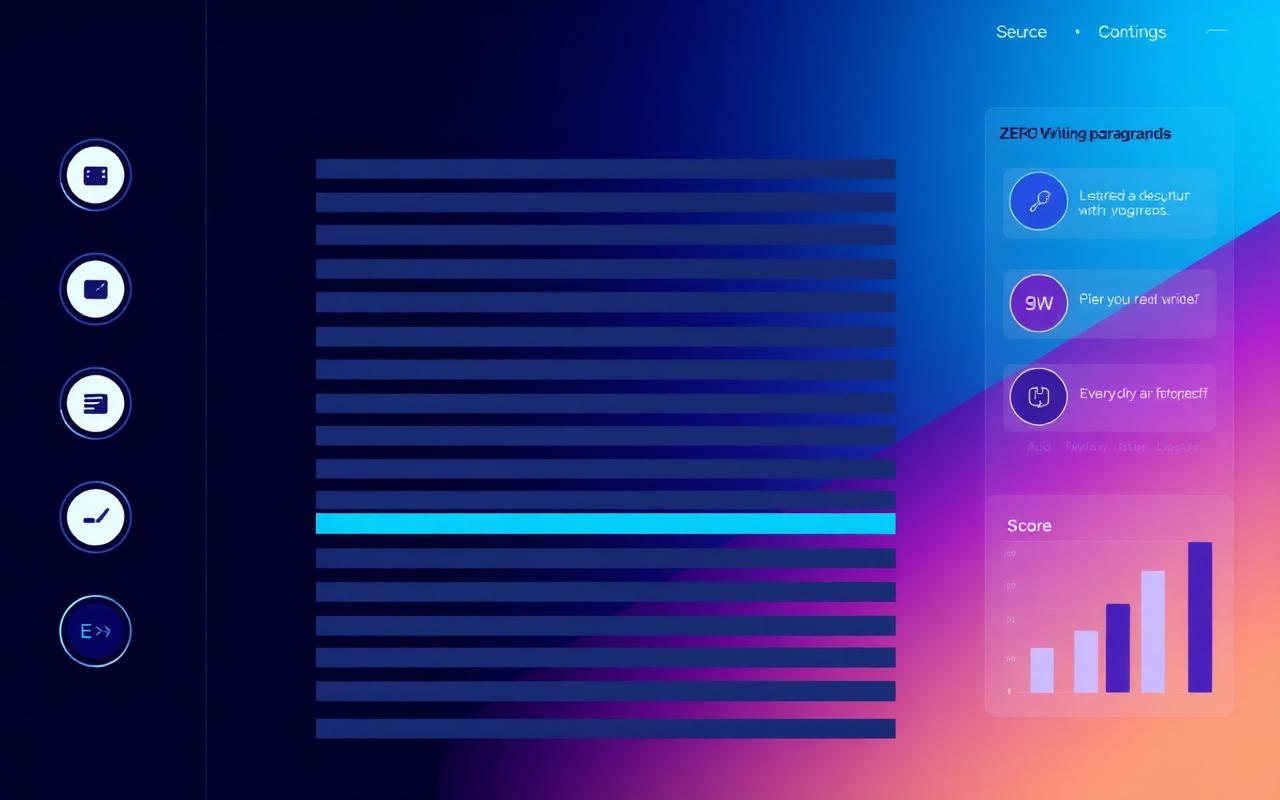
Channel-specific copy in your founder voice.
Every asset with brief, owner, and due date.
Press, creators, customers — queued and personalised.

Hour-by-hour ops with owners and channels.
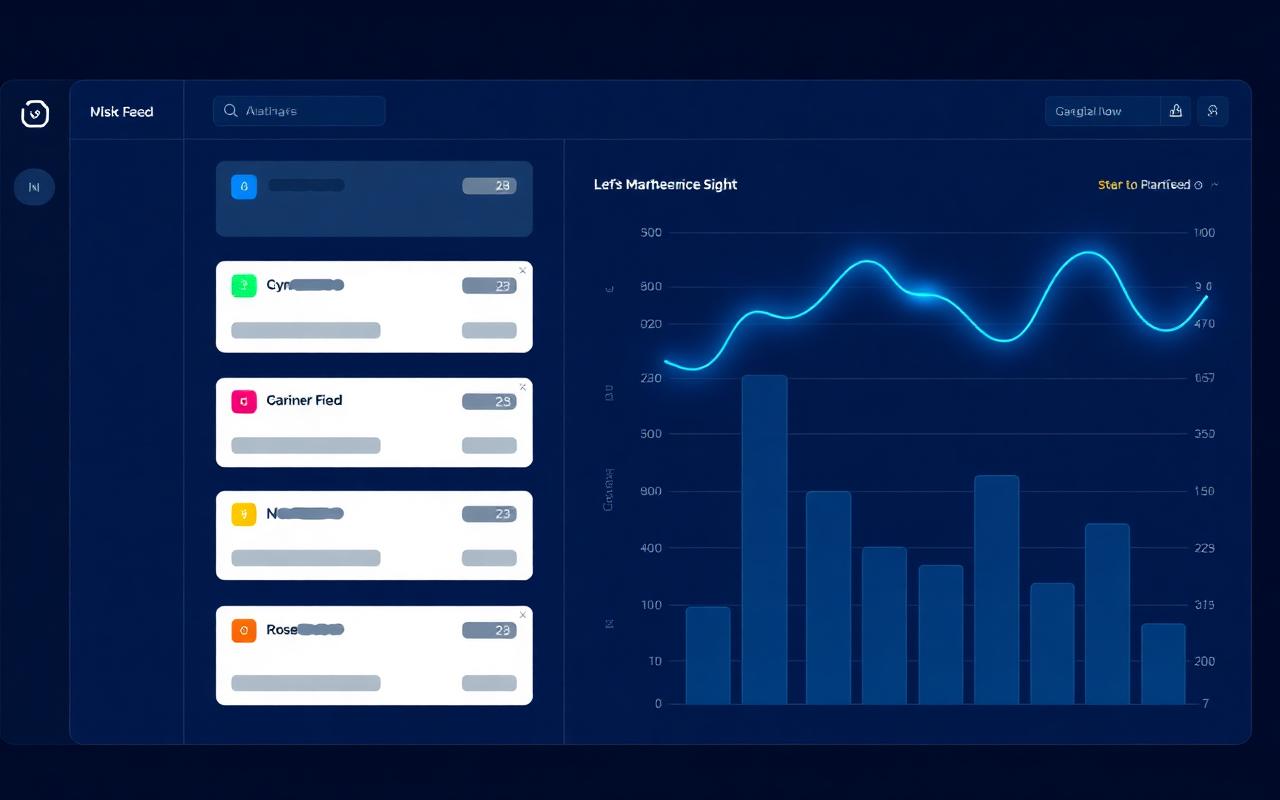
Reactions, replies, and bugs — captured live.
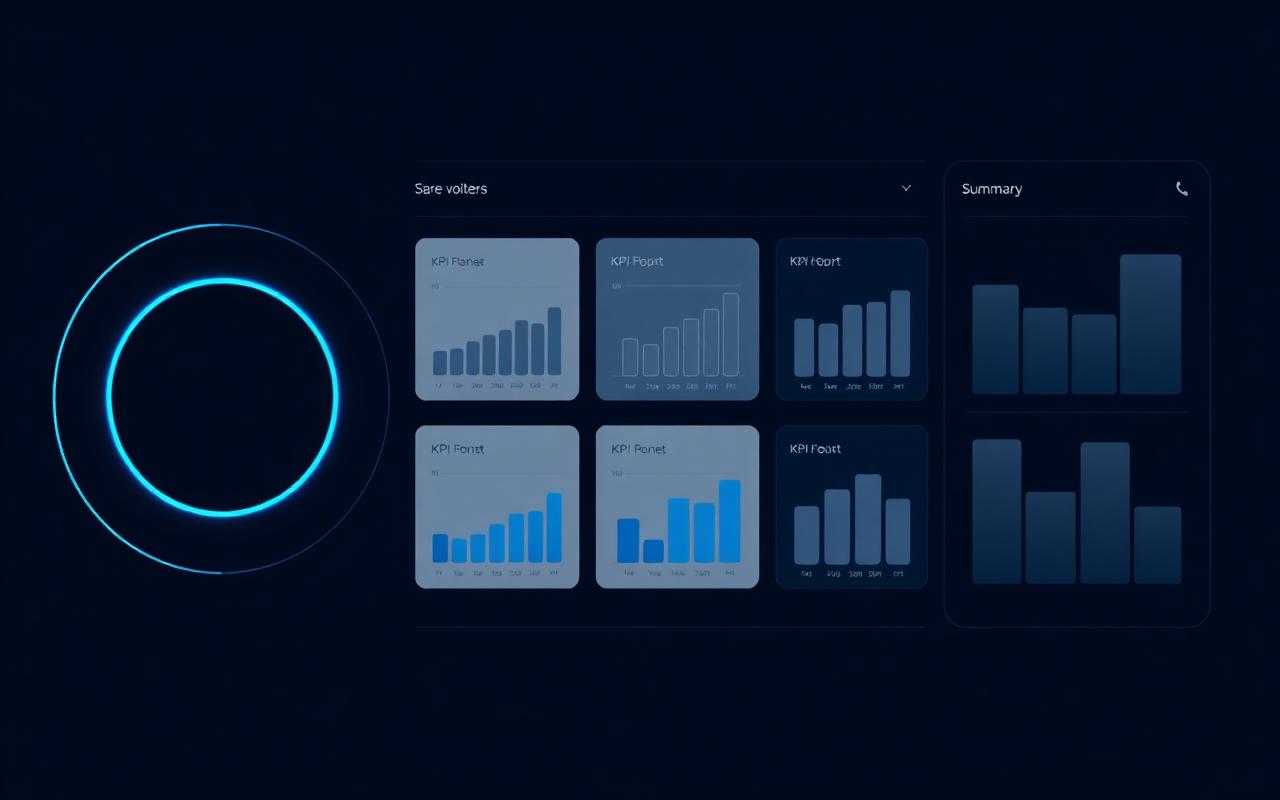
What worked, what didn't — auto-assembled for v3.
All modules · 7/7
Plan to debrief, in one room. No more tool-switching.
See feature tourStage 03 · Readiness Gate
Score, gate checks, risks, approvals, and go / no-go — in one panel.
Gate Checks
Live · 09:43 PT
Risks
Approvals
Go / No-Go
Hold · 4 checks pending
Re-evaluate at T-7d standup.
Usage to date
Used across 412 active workspaces, 1,104 launches orchestrated, and 3,420 readiness gates generated — January 2024 to June 15, 2026.
Aggregate metrics approved for investor-deck disclosure. Client-specific data remains confidential.
Customer story
For the Patient Portal 2.0 rollout, Veloce used LaunchBase to coordinate engineering, legal/HIPAA compliance, and marketing dependencies. The Readiness Score surfaced three missing regulatory disclosures 72 hours before ship date.
“The friction wasn't in the building; it was in the assembly. LaunchBaseforced us to confront the gaps in our GTM messaging before they became public failures. The readiness gate acts as a hard stop that our previous async process lacked.”
Stage 04 · Workflow
Lock audience, wedge, channels.
Draft messages, brief assets.
Queue press, creators, customers.
Run hour-by-hour with owners.
Capture signals into the debrief.
Stage 05 · Signals & Learning
Debrief auto-assembled
42 signals · 6 themes clustered · seeding v3 blueprint.
Signal Categories
42 signalsLaunch scenarios
Example launch scenarios based on common launch workflows.
Use cases
SaaS founders
Launch new products and features without losing the weekend before.
Indie makers
Run a launch alone without dropping anything — assets, posts, replies.
Product teams
Coordinate marketing, product, and support around one shared plan.
Creator-led teams
Ship offers and drops with channel-specific copy and queued outreach.
Agencies
Reuse a structured launch process across client engagements.
Growth teams
Capture signals from every launch and feed them into the next blueprint.
Pricing
Save 20% with annual billing. 14-day free trial. No credit card required.
For solo founders and tiny teams preparing one launch at a time.
For teams coordinating launch work across product, marketing, design, and support.
For agencies, studios, and repeat launch operators managing multiple launches.
Studio+ is custom pricing for SSO, procurement, and more than 10 active workspaces — talk to the team.
Questions about billing? See the refund policy or contact us.
launchbase.space · LaunchBase